
How To Report a Post on Main Court Social
If you see a post on Main Court Social that you believe is inappropriate or violates our community guidelines, you can report it directly from the feed. Reporting a post sends it to the Main Court team for review.
Step 1: Find the post you want to report
Scroll through your Social feed until you locate the post in question
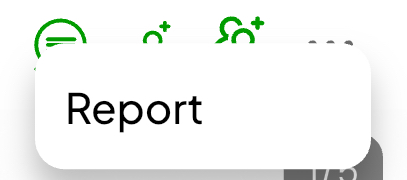
Step 2: Tap the three dots in the top right corner of the post

Step 3: Select Report
- Tap Report to flag the post for review by the Main Court team
- You may be asked to select a reason or provide more context
Reports help us keep Main Court Social safe, respectful, and focused on the real pickleball community. All reports are reviewed and handled according to our platform guidelines.