
How to Comment or Like a Post on Main Court Social
Main Court Social makes it easy to engage with posts from your pickleball community. Whether you're celebrating a milestone, reacting to a match recap, or just showing support, commenting and liking are quick ways to stay connected.
Step 1: Scroll through your feed to find a post
You can like or comment on any post that appears in your personalized feed
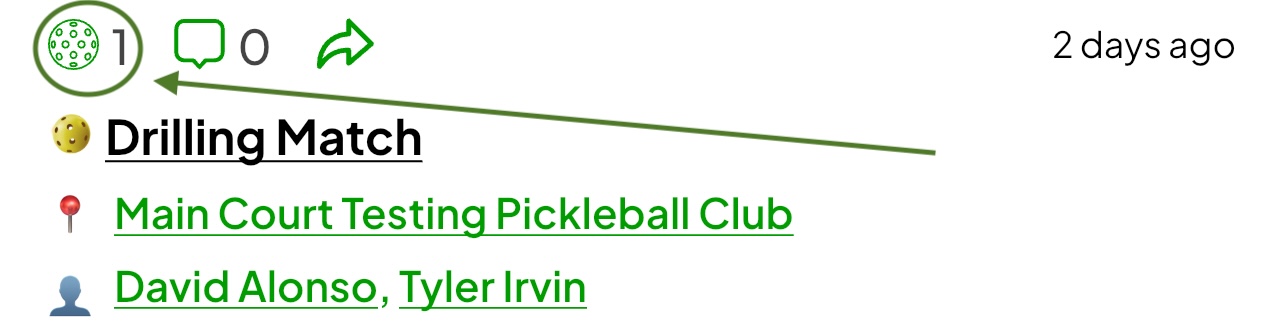
Step 2: Tap the Pickleball icon or double-tap the post to like it
This will add your like and show appreciation for the post
- You can tap the Pickleball again to remove your like
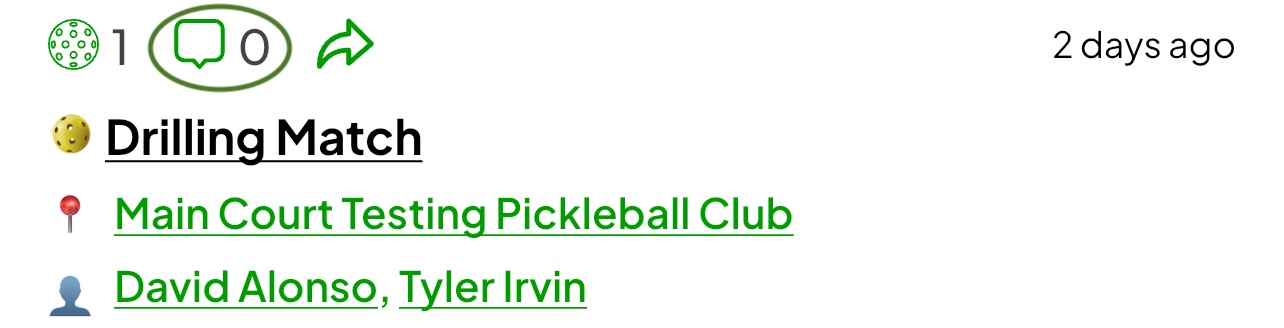
Step 3: Tap the comment icon to write a comment
- Type your message into the comment box
- Press Send to post your comment
- Your comment will appear publicly under the post
Likes and comments are a great way to support your friends, recognize great play, and join in the conversation. Stay active in your feed to keep the Main Court community strong and connected.