
How To Delete or Edit Your Posts
After sharing a post on Main Court Social, you can make changes or remove it completely. This can be done directly from your feed as long as the post was created by you.
Step 1: Find your post in the Social feed
Scroll through your Main Court Social feed until you locate the post you want to edit or delete
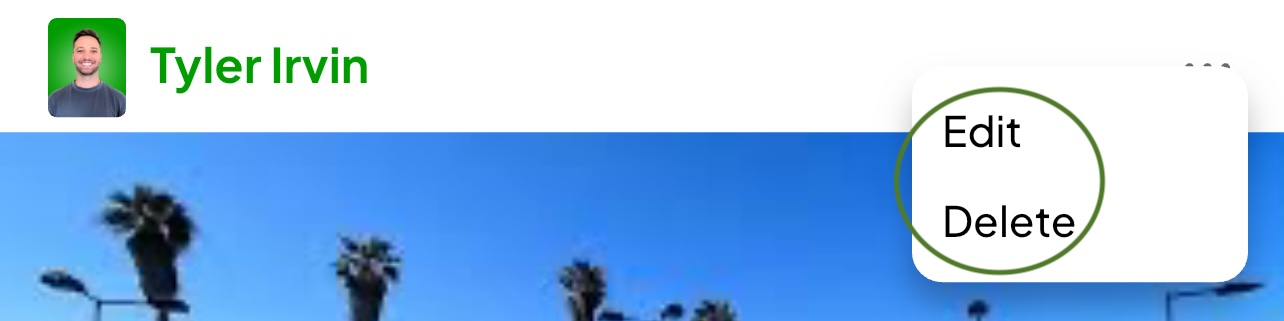
Step 2: Tap the three dots in the top right corner of the post
This will open a menu with available options

Step 3: Choose to edit or delete
- If you select Edit, you can update the caption text
- If you select Delete, the post will be permanently removed
Editing and deleting are only available for posts you created. Milestone posts or admin posts cannot be edited or removed from your feed.