
How to Choose Between Fixed Partners and Rotating Partners for Your Round Robin
When creating a Round Robin on Main Court, you'll need to choose between Fixed Partners and Rotating Partners. This setting determines how players are paired throughout the event and how the Round Robin will operate.
Step 1: Create a Round Robin Match
Start by creating a match and enabling the Round Robin option.
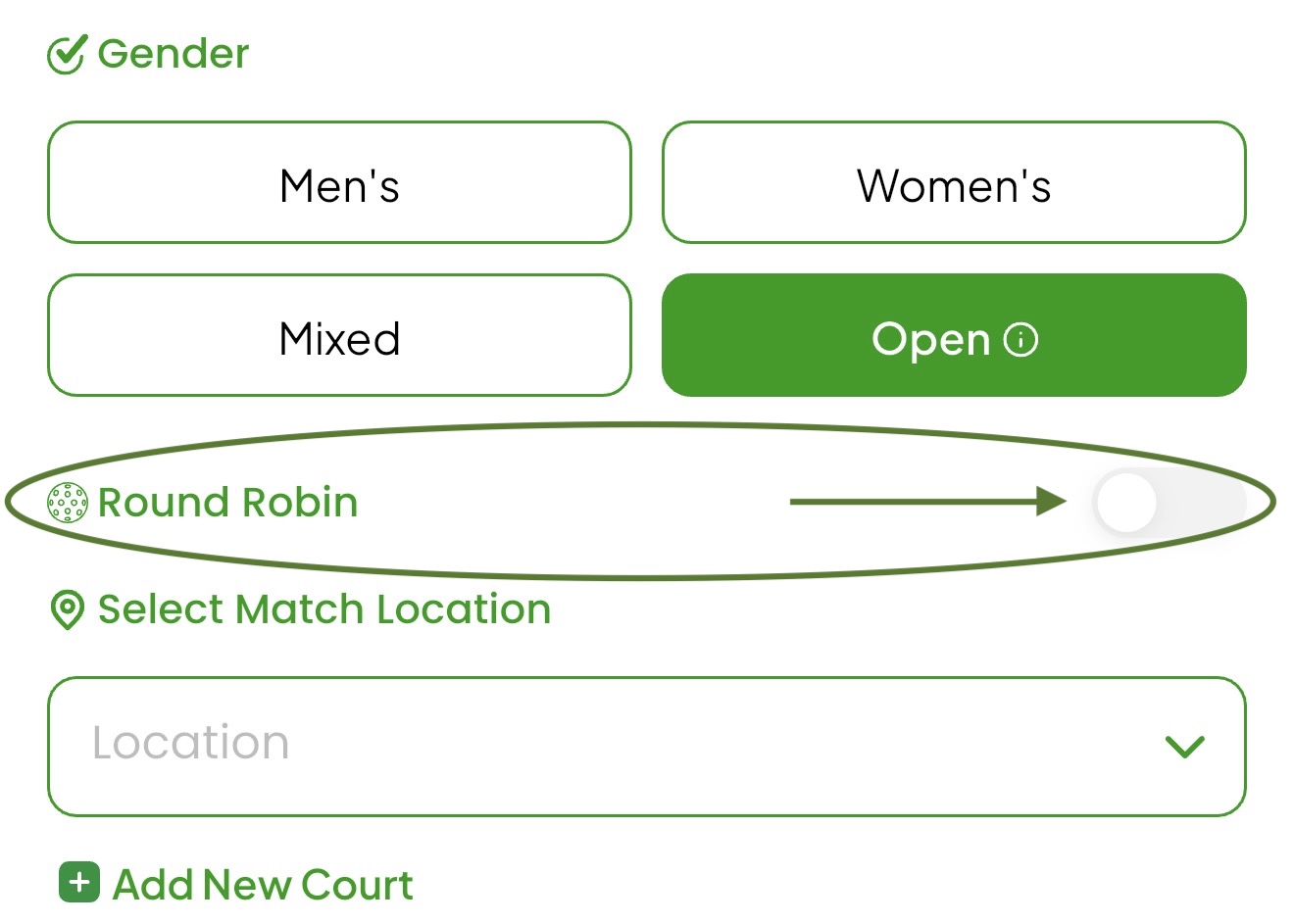
If you select Doubles, Main Court will ask you to choose between Fixed Partners and Rotating Partners.
Note: This option does not appear for Singles Round Robins.
Step 2: Press Either Rotating Partners or Fixed Partners
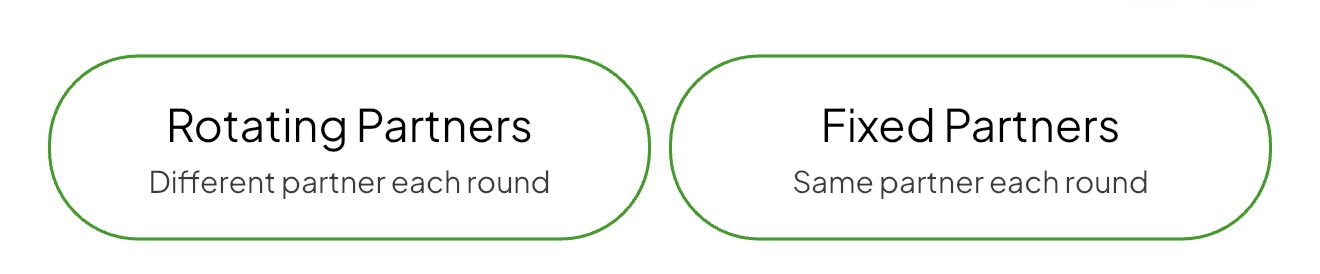
Understand Rotating Partners
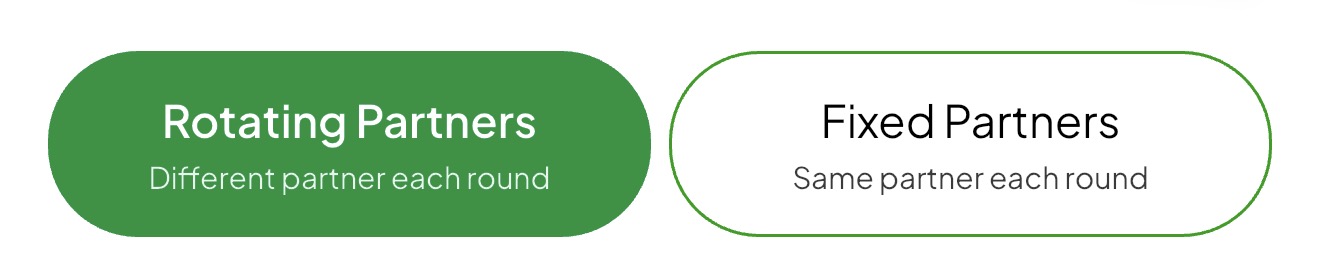
Rotating Partners allows players to play with different partners throughout the event.
This format is commonly used for:
- Mixer events
- Social Round Robins
- Open play competitions
Main Court automatically rotates partners and generates matchups. No team setup is required, and there is no Teams tab because partnerships change throughout the event.
Choose Rotating Partners if you want players to interact with more participants and play with a variety of partners.
Understand Fixed Partners
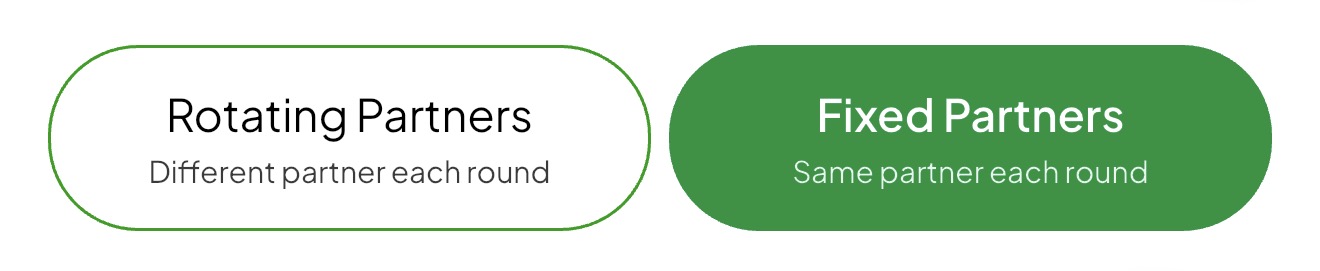
Fixed Partners allows players to compete with the same partner for the entire event.
This format is used for:
- Men's Doubles
- Women's Doubles
- Mixed Doubles
- Open Doubles
After players register, the organizer pairs teams in the Players tab. Once paired, teams appear in the Teams tab and remain together throughout the event.
Choose Fixed Partners if you want standings and results based on team performance.
Once your Round Robin is created, you're ready to begin inviting players and running your event on Main Court.