
How To Collaborate on a Post
Collaborating on a post is a great way to increase your visibility on a post, gain more viewers and show collaboration.
Here's how to collaborate on a post.
Step 1:
Press the + button on the bottom navigation bar, then Share a Social Post.

Step 2:
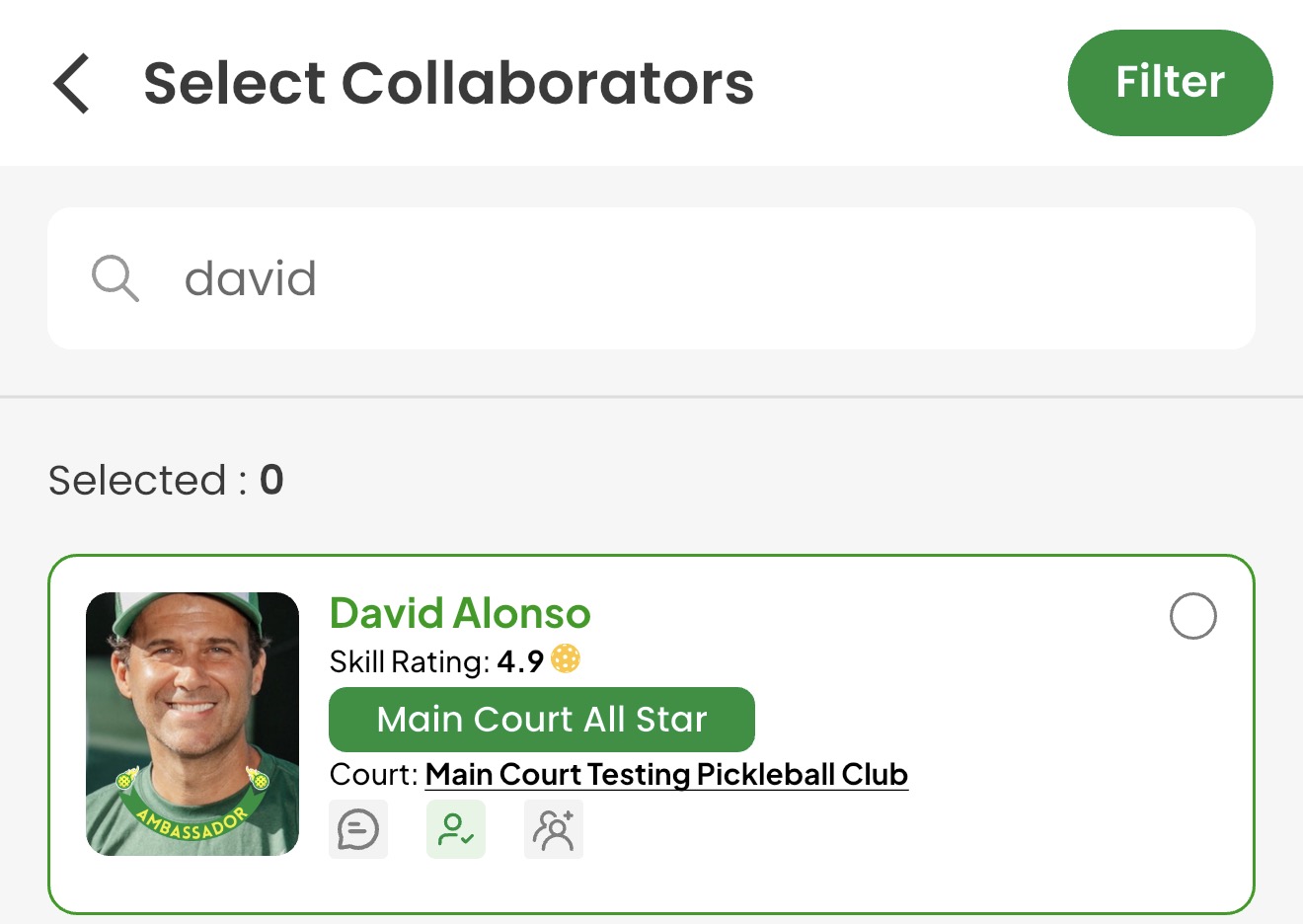
Press the + button next to Collaborator, then select your collaborator(s).
Step 3:
Share post.
Tip: If you're an organizer, we recommend collaborating with the club you host an event at for additional promotion. They have an increased visibility near the club, so your post will be seen by your friends and everyone in the club's radius.
Collaborating is a great way to increase your post's visibility in the app.