
How to register for Open Play on Main Court
Main Court makes it easy to find, register, and pay for Open Play sessions — all in one place.
Follow these simple steps to get started:
1. Open the Main Court App or Visit the Website
You can register through either:
- Main Court App (Recommended) — Download Here
- Main Court Website — www.maincourt.com
The app offers the best experience — you can easily manage sessions and payments, and see which of your friends are going to Open Play. Below are instructions on how to register using the Main Court App.
2. Find Your Court or Club
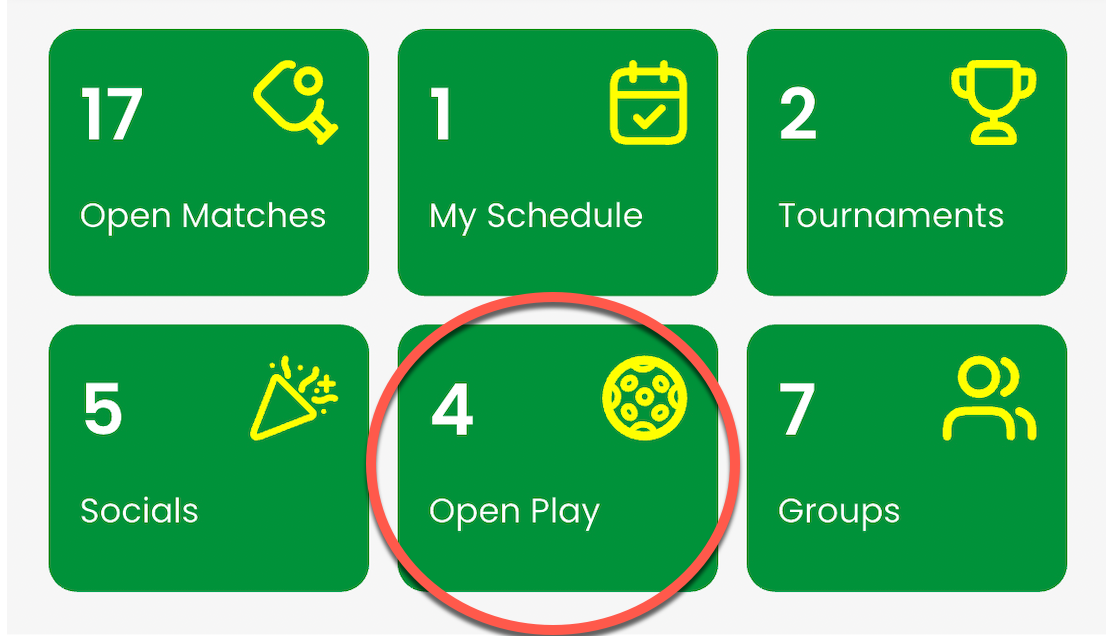
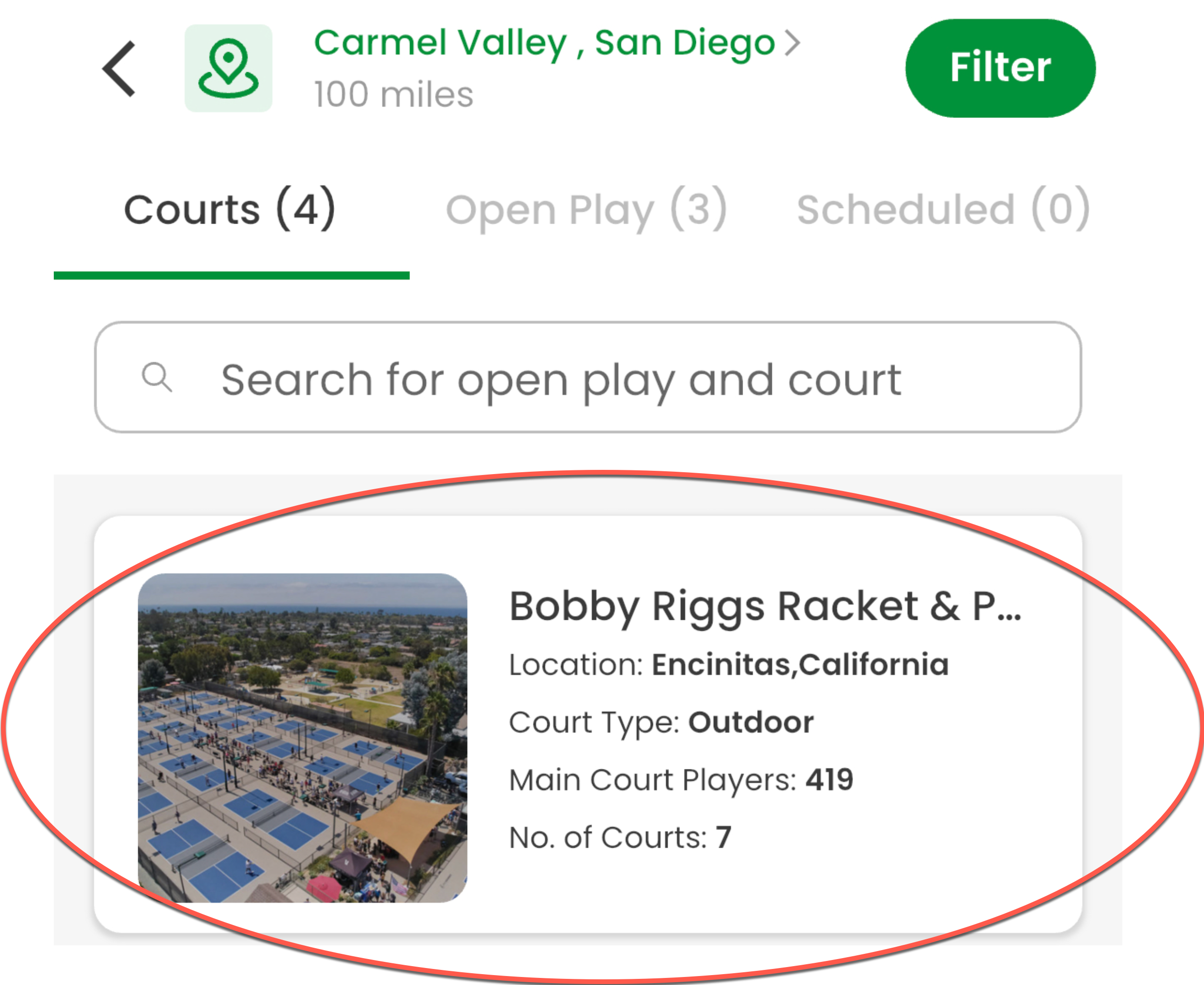
From the Home screen, tap Open Play and find the court where you want to play.
Tap the court’s name to open its details page.
3. View Court Details
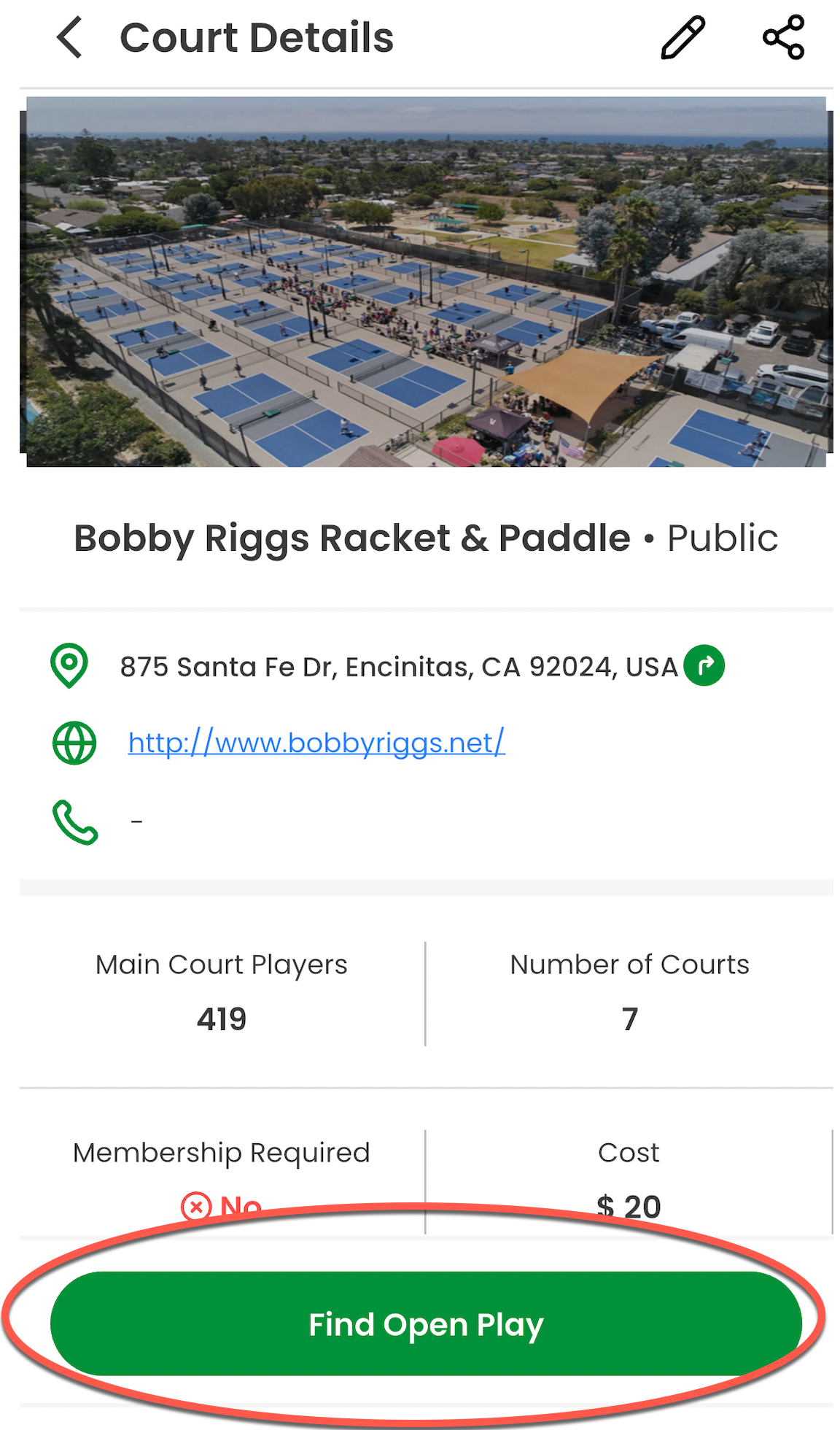
The court details page shows:
- Location and website
- Number of courts
- Cost per player for general court reservations - note this is not the price for Open Play.
Tap Find Open Play to view available sessions.
4. Choose a Date and Time
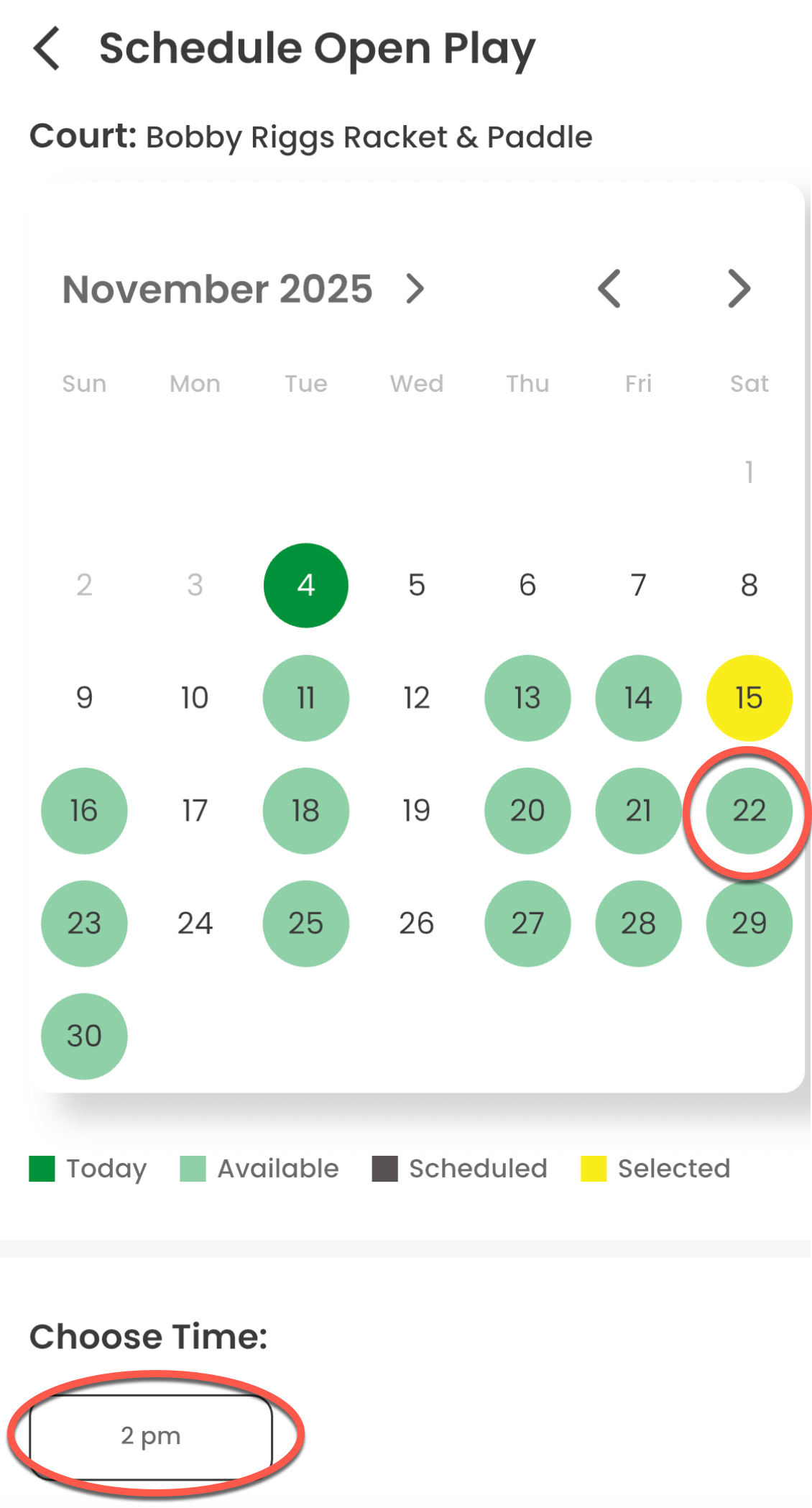
A calendar will display all available Open Play sessions:
- Green = Available
- Yellow = Selected
- Gray = Past Dates
Select your preferred date and time, then tap Next.
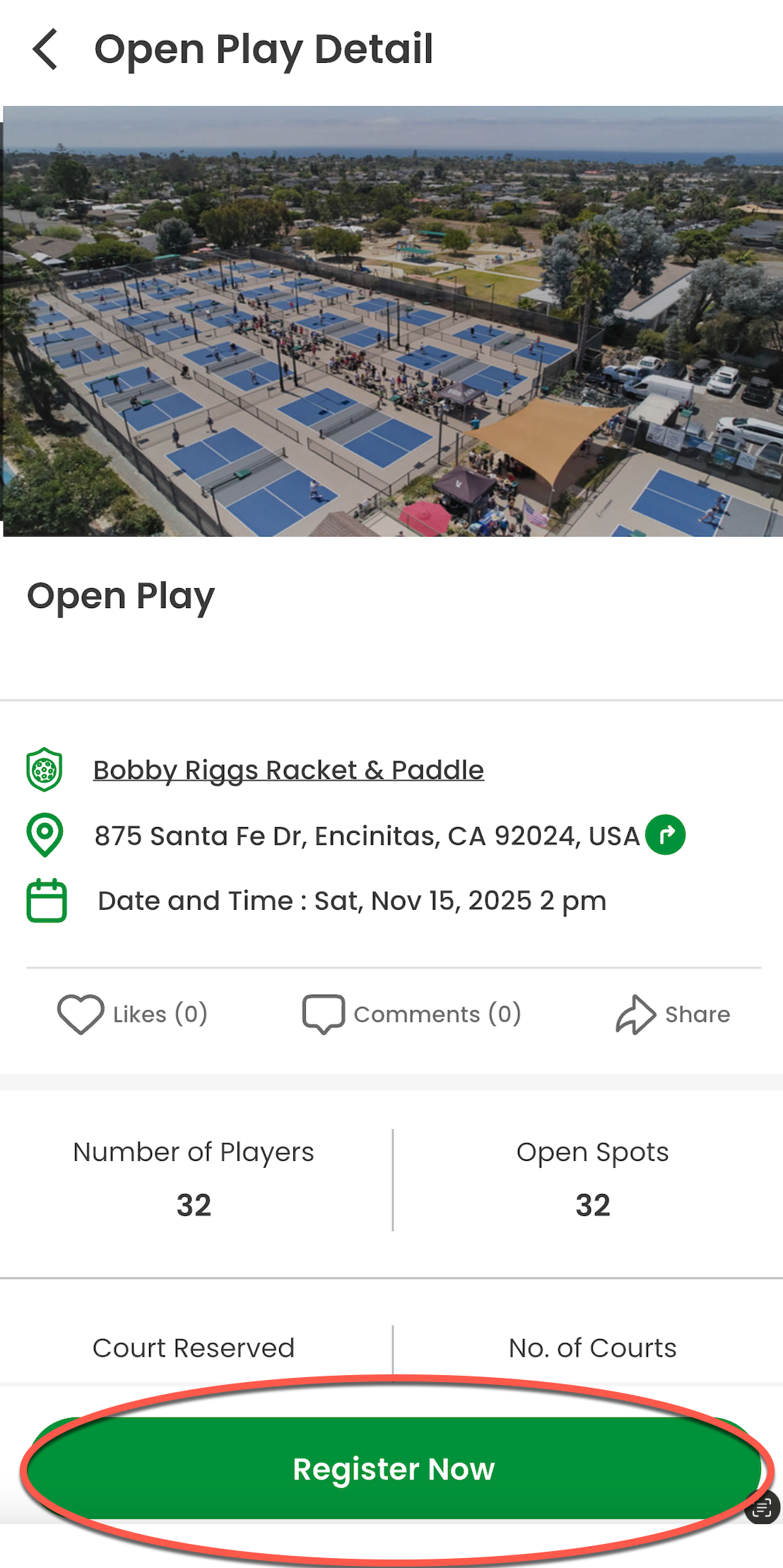
5. Review Session Details
You’ll now see the Open Play details page with:
- Court name and address
- Date & Time
- Number of players and available spots
Tap Register Now to continue.
6. Complete Waiver and Payment
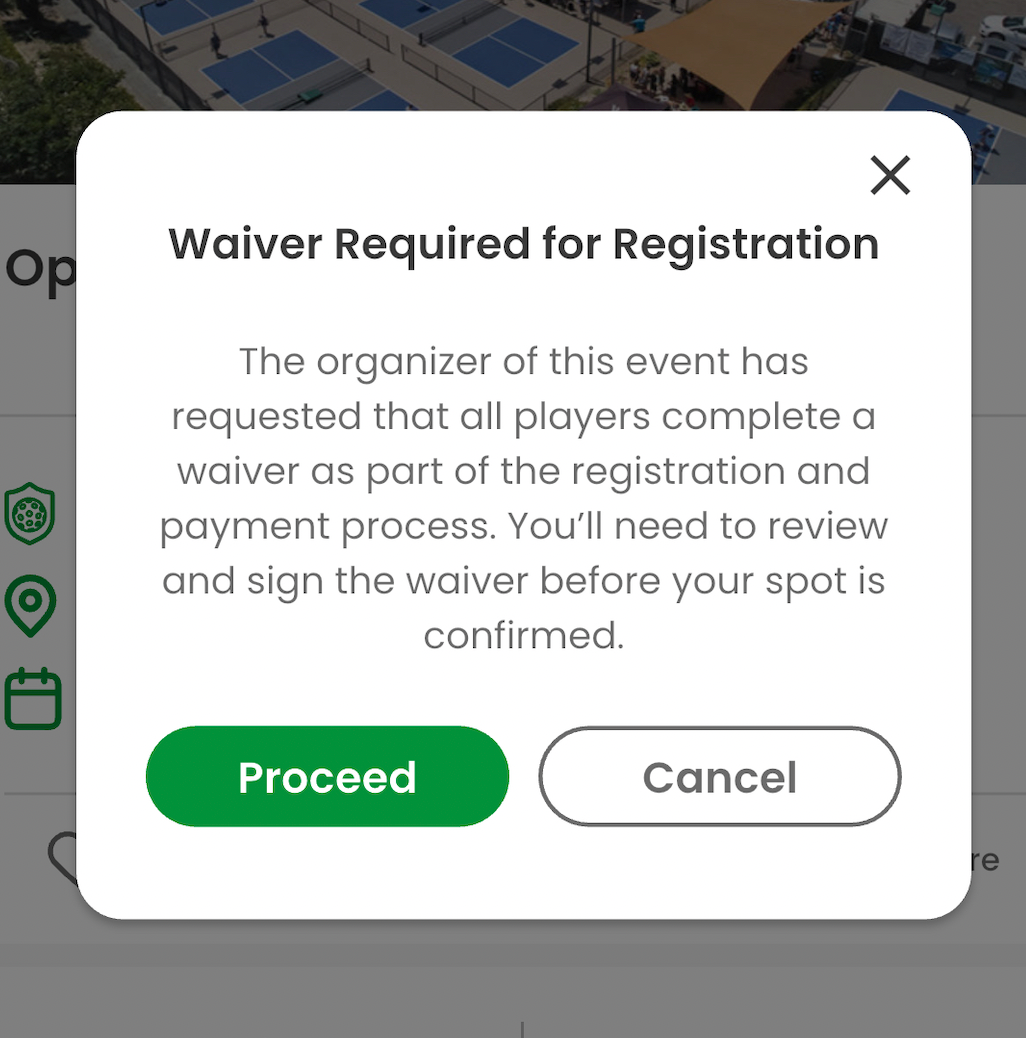
When you register, you may be prompted to complete a waiver before paying. Tap Proceed to review and sign it.
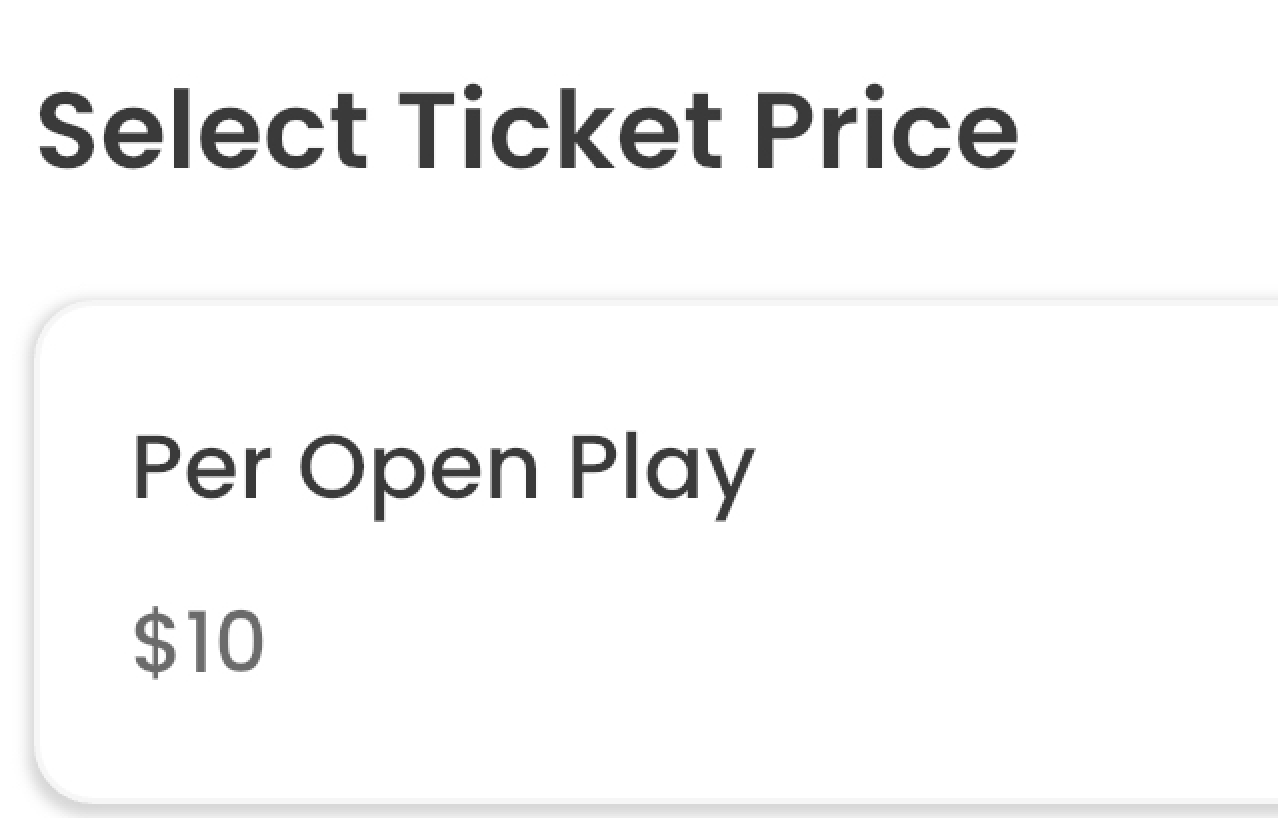
Then select the Ticket Price and pay securely through Stripe, a trusted global payment platform used by millions of businesses.
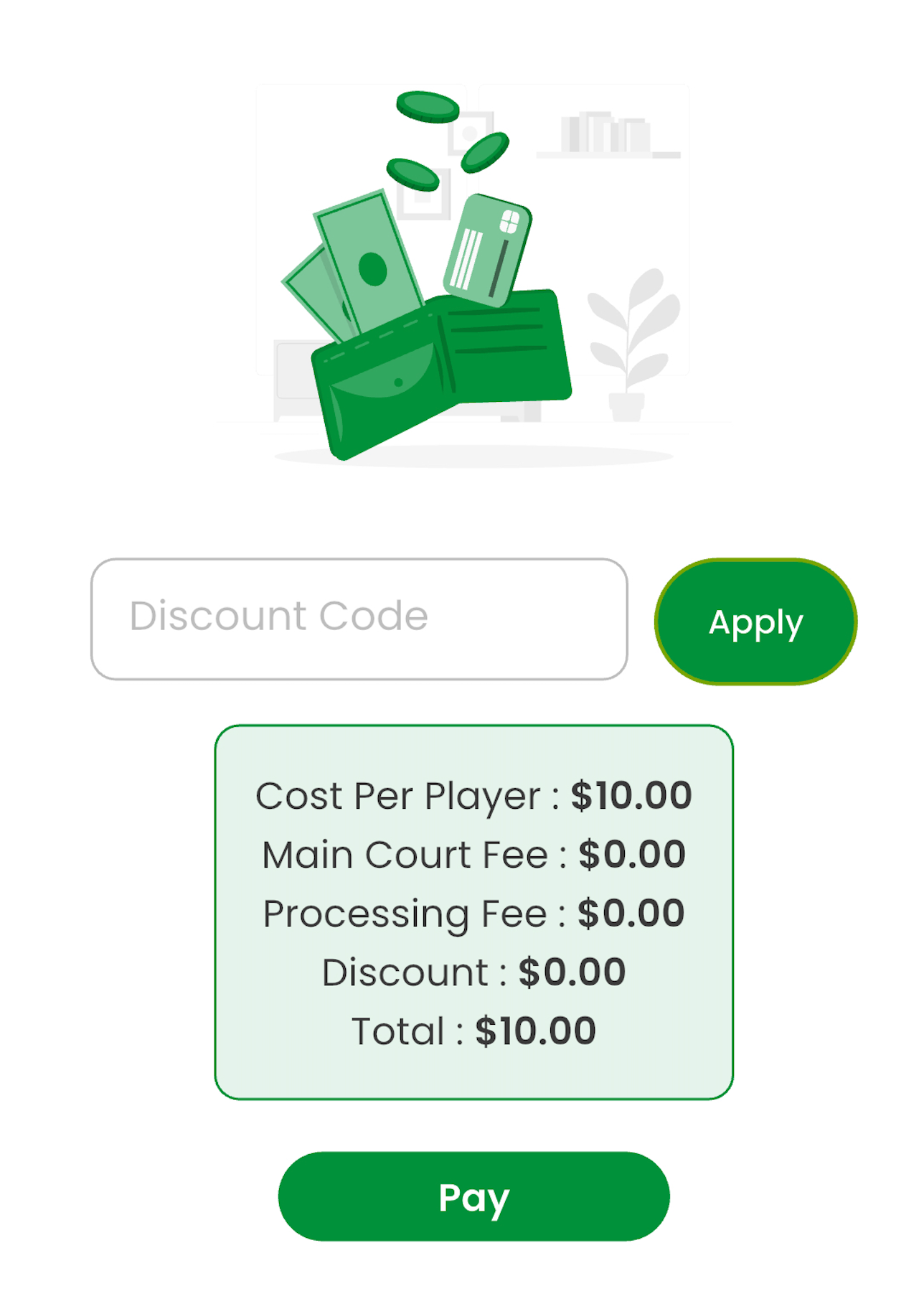
When you are ready, hit the Pay Button.
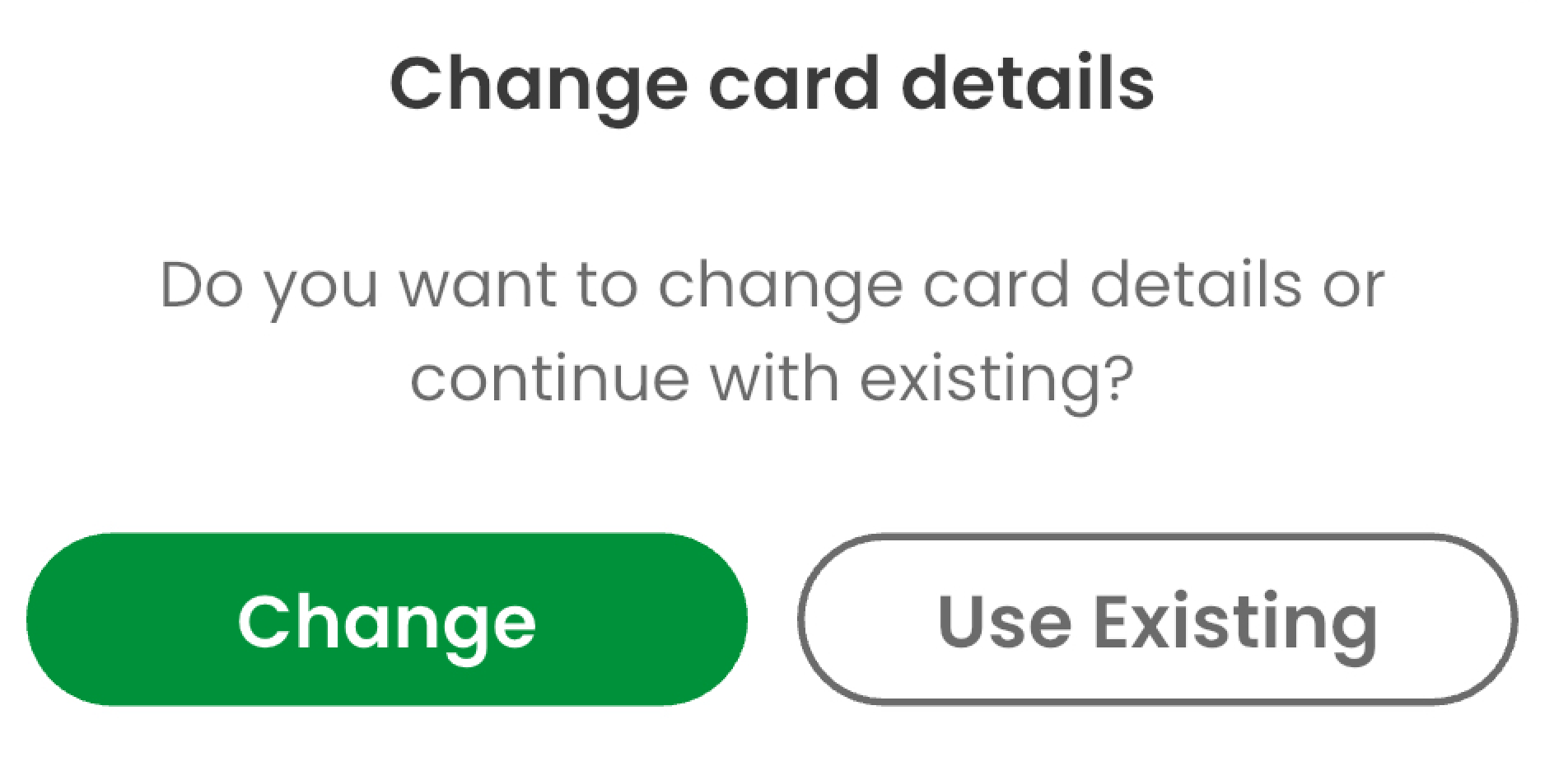
You must have a card on file in the Main Court to pay for the Open Play session. If you have a card on file, hit the Use Existing button to pay with your card on file.
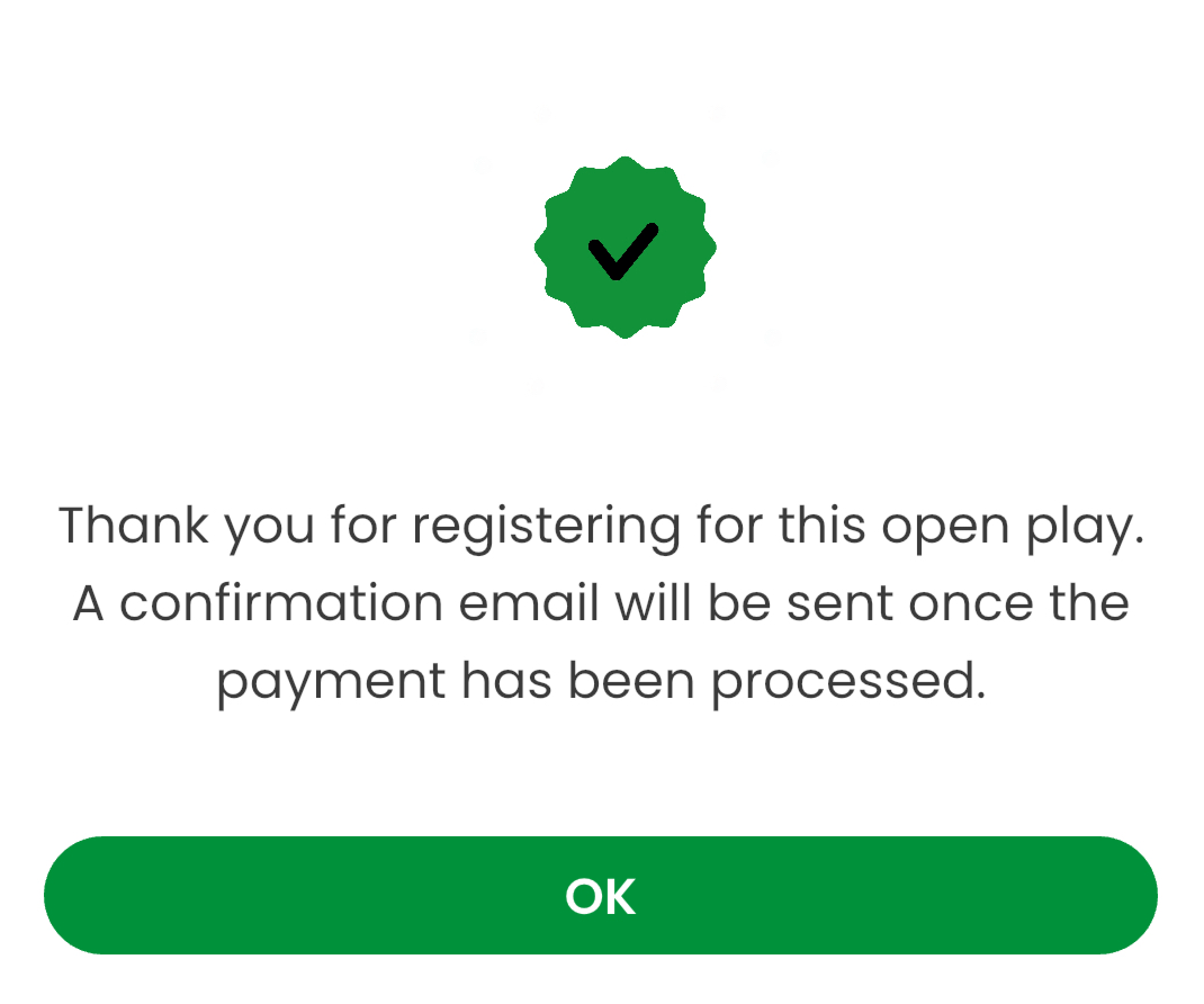
Once you pay, you will be showing the confirmation screen below
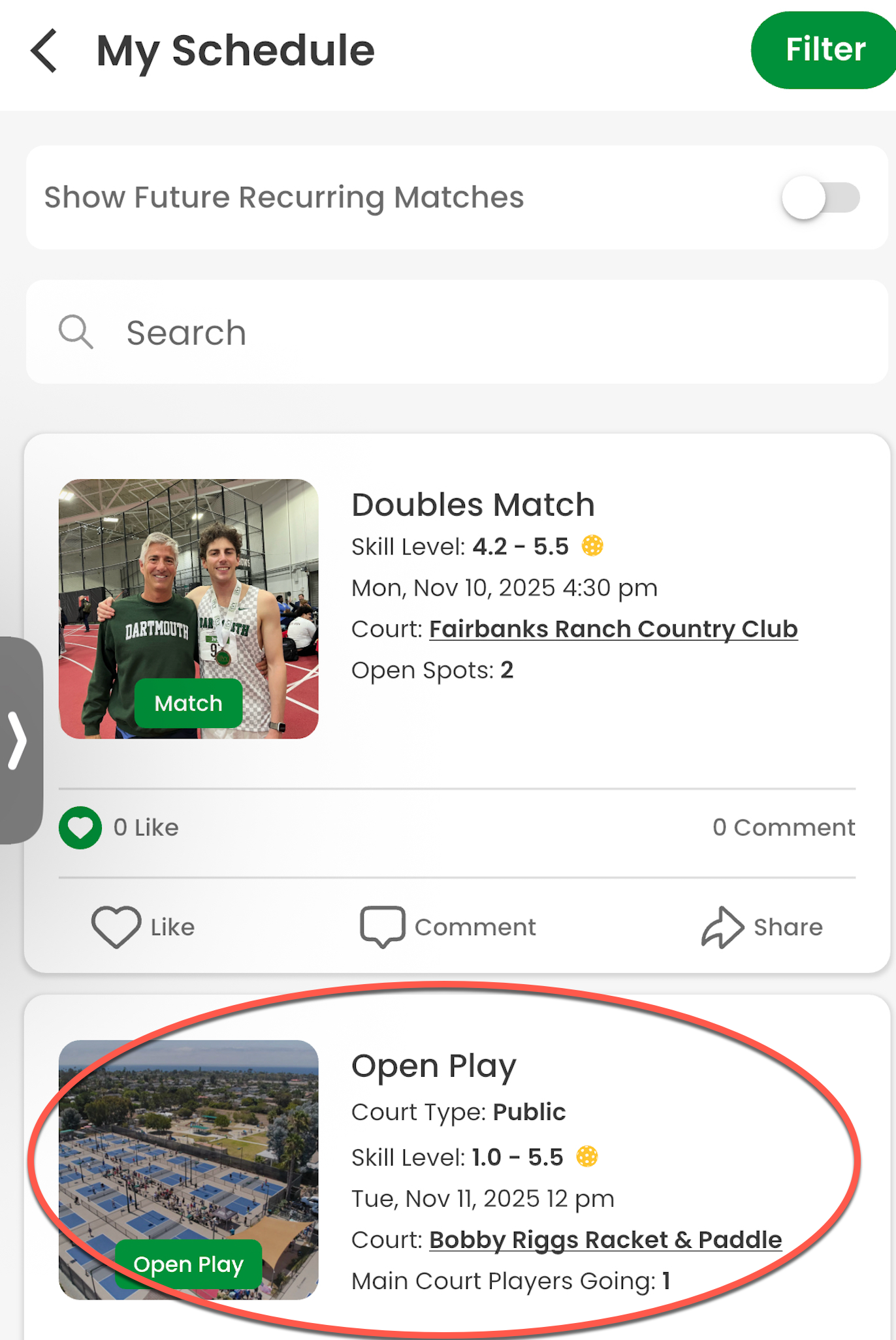
7. Confirmation and My Schedule
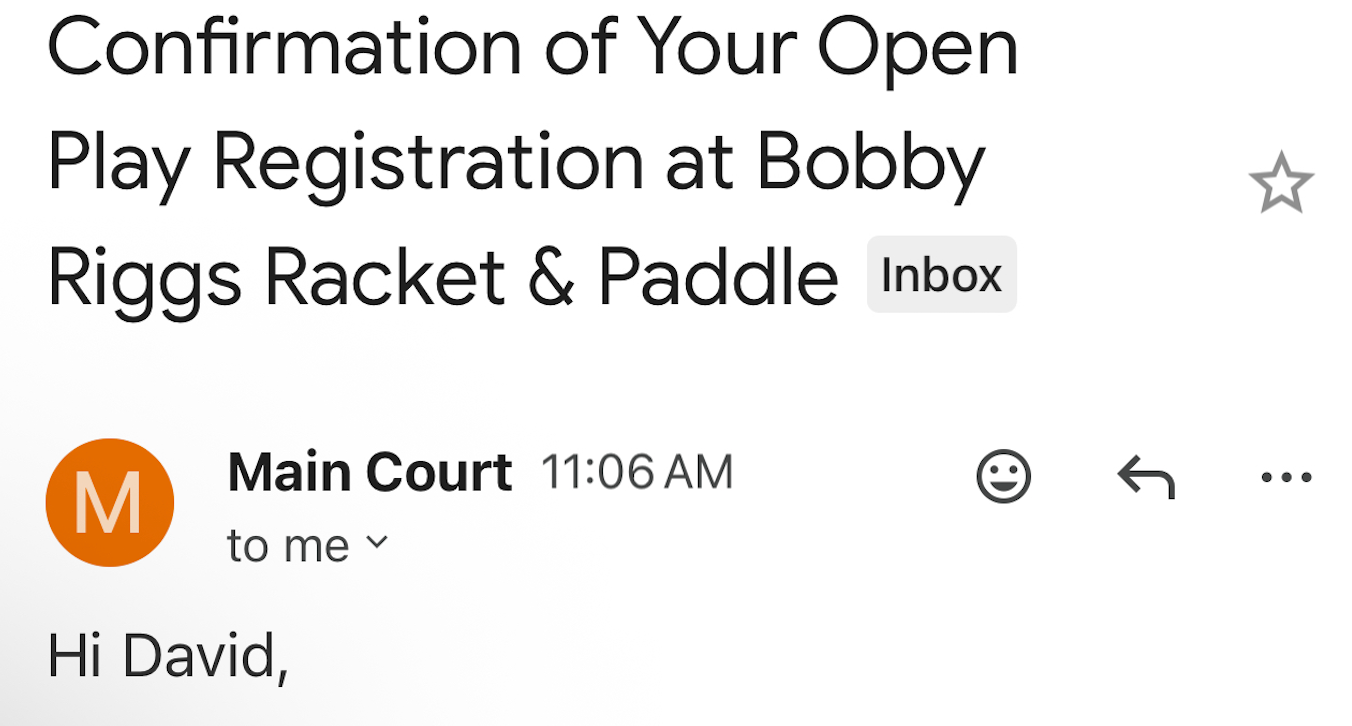
After registering, you will receive a confirmation email.
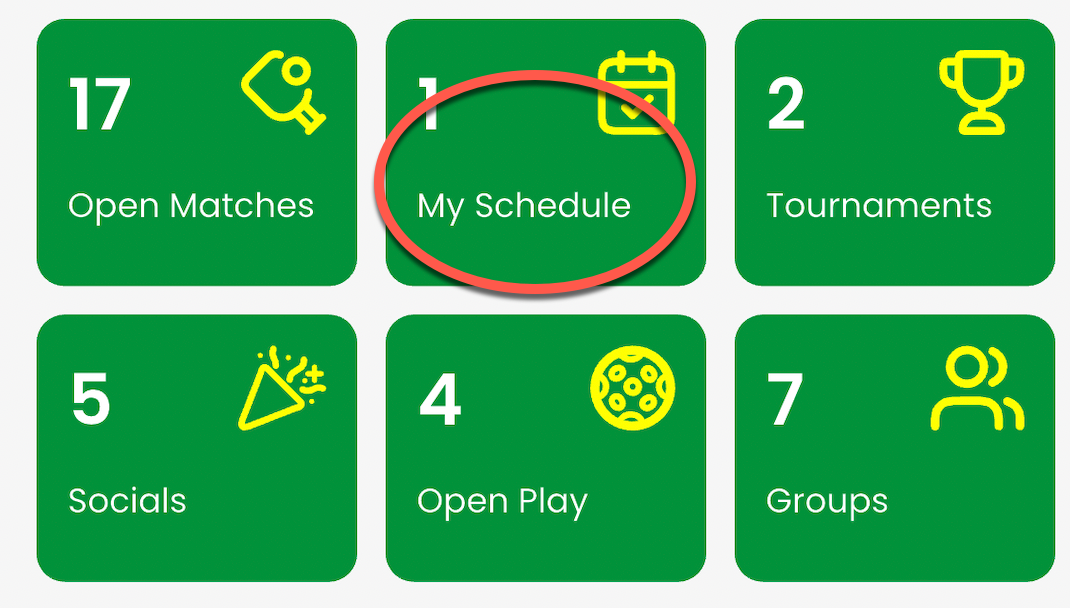
Your Open Play session will automatically appear under My Schedule in the Main Court app.
You can view all upcoming sessions from this section anytime.
8. How to Find Your Payment Receipt
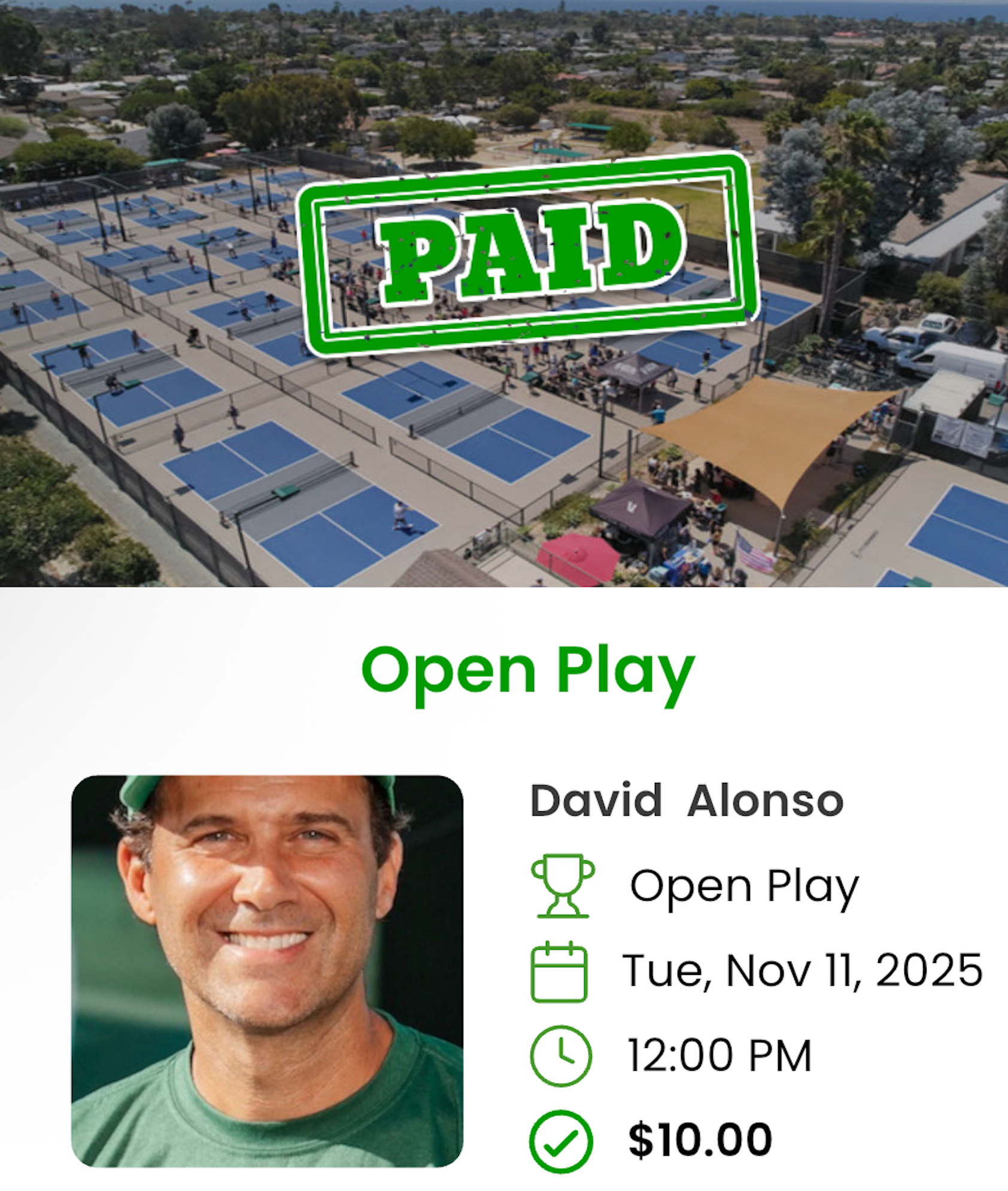
When you arrive at Open Play, you must show your payment receipt to check in.
To find it:
- Open the Main Court app.
- Go to My Schedule.
- Tap the Open Play session you registered for.
Click Payment Receipt to display your proof of payment.

You can show the receipt on your phone or take a screenshot for quick access.
9. Cancellations and Refunds
If you need to cancel your session:
- Cancel at least 24 hours before your scheduled time to receive an automatic refund.
- Cancellations within 24 hours are non-refundable.
- This process is automatically managed by Main Court.
For payment-related questions, please contact your club or venue directly.
10. Bonus Features
- See which of your friends are attending the same Open Play session.
- If someone cancels, you’ll see it instantly.
- Get reminders and updates about new sessions right in the app.
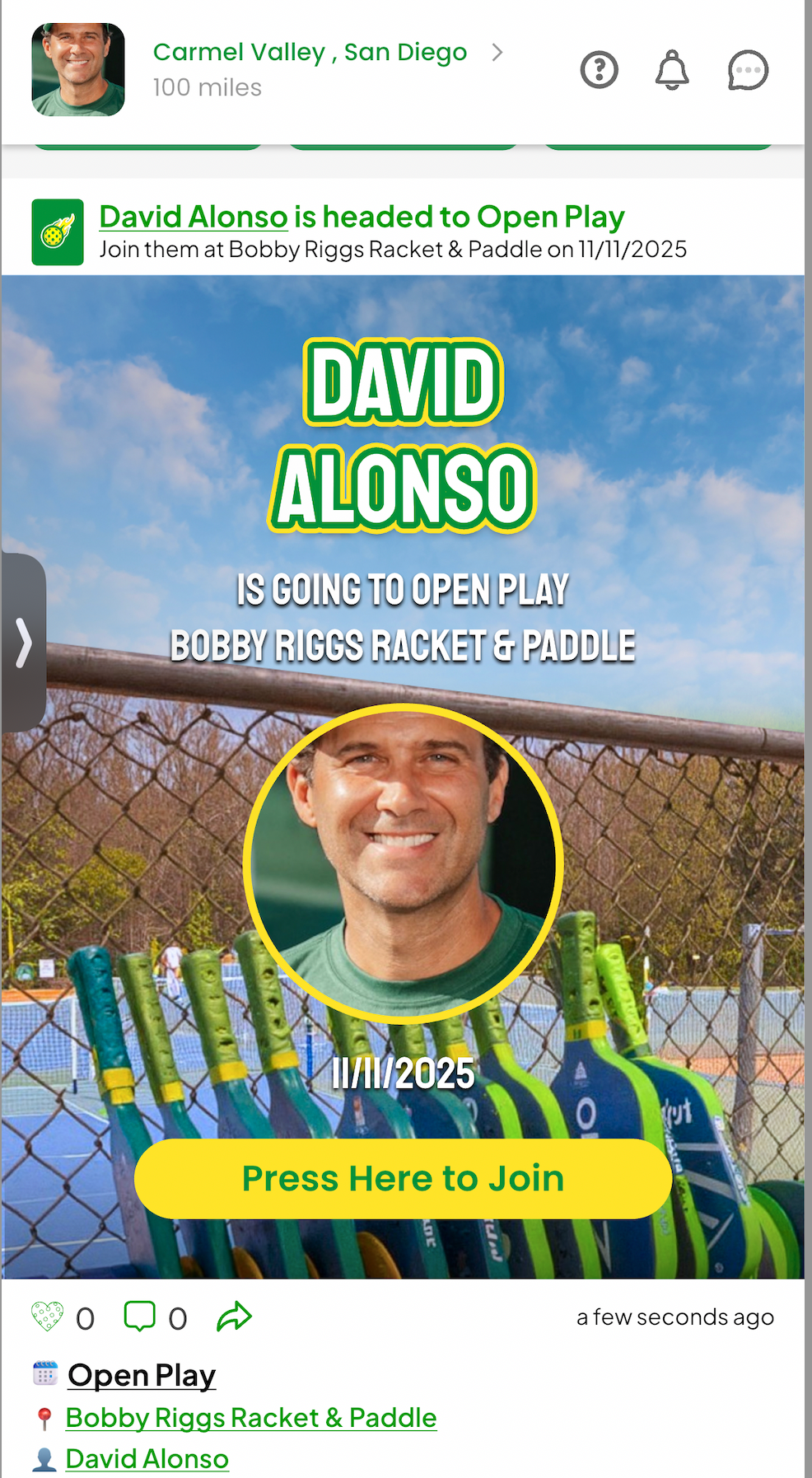
🎥 Watch: How Open Play Works on Main Court
📩 Need help? Email: info@maincourt.com